Diagrams in Svelte with GoJS
If you are new to GoJS, it may be helpful to first visit the Quick Start Tutorial.
Svelte requires almost no special considerations for use with GoJS. In your project, install GoJS via npm or yarn:
npm i gojs
And you can use it in a Svelte app. GoJS Diagrams require a DIV, so you should initialize them within onMount to ensure the DOM is ready. An
example:
Svelte discourages referencing DOM Ids, so you can also reference the DIV directly with Svelte's bind:this attribute:
Sharing Diagram data with other components in Svelte 5
With Svelte 5, you can share reactive data from the diagram with other components by writing into a rune with $state.
For example, you can use a DiagramEvent listener such as ChangedSelection that
copies data out of the diagram into a rune. Any component that reads that rune updates automatically.
The child component receives the data through $props and renders it like any other reactive value:
Examples
We maintain several SvelteKit sample apps that use GoJS to demonstrate Diagramming in Svelte, and they can be found here.
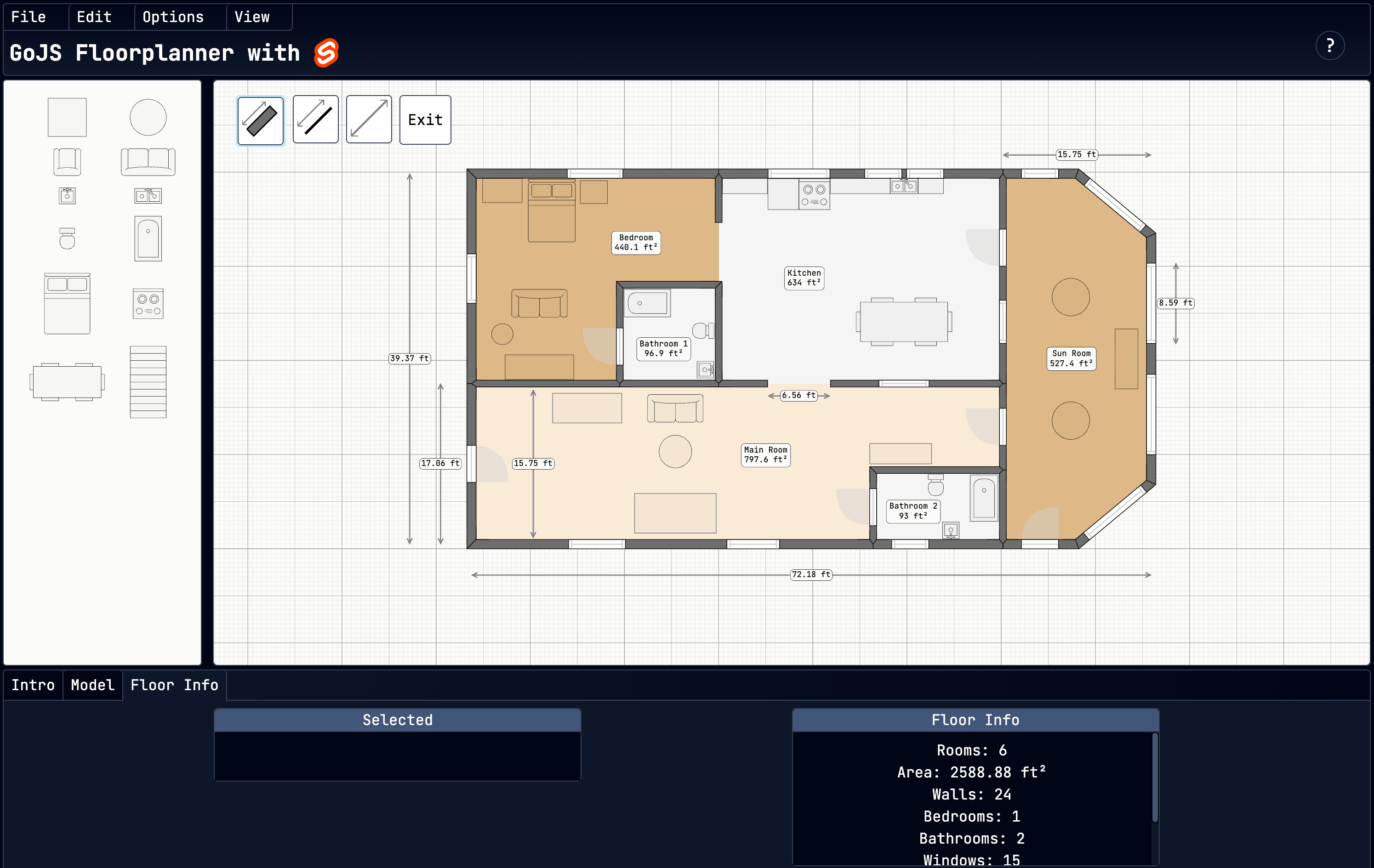
For example, the Svelte Floorplanner is a single-page Svelte app with a GoJS diagram and palette and their own respective Svelte components. It uses runes to pass data about selected items and the whole floor from the diagram to the floor info section below (as described above) and save and load a JSON model of the diagram from local storage. Svelte reactivity also controls menu options such as visibility toggles and unit switching. The source code can be found here.
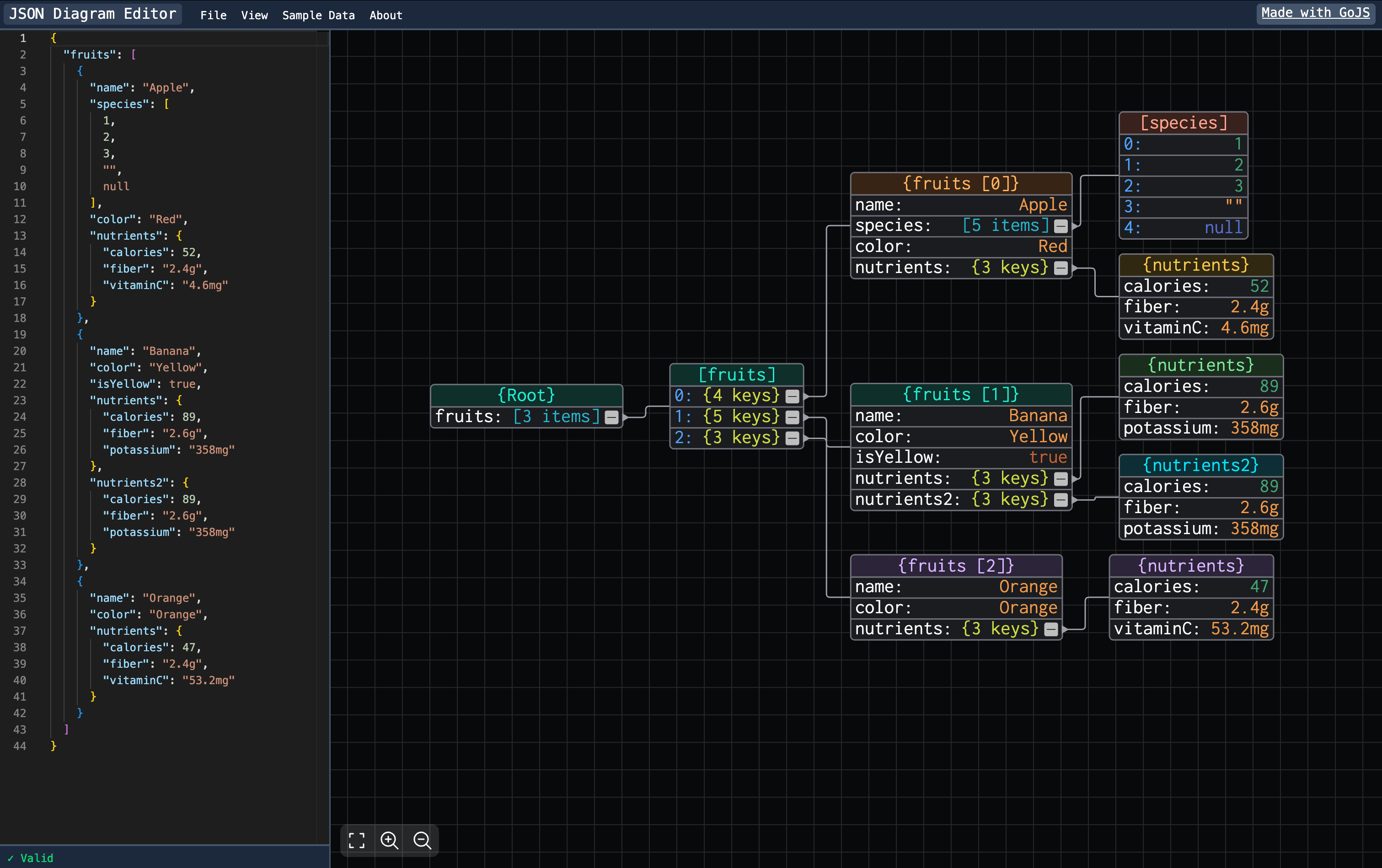
The JSON Diagram Editor uses GoJS to create a node-based visualization of JSON data in a side-by-side editor. It uses Svelte to pass data between the GoJS diagram component and a Monaco Editor component. Edits made to one side will live-update on the other. Its source code can be found here.
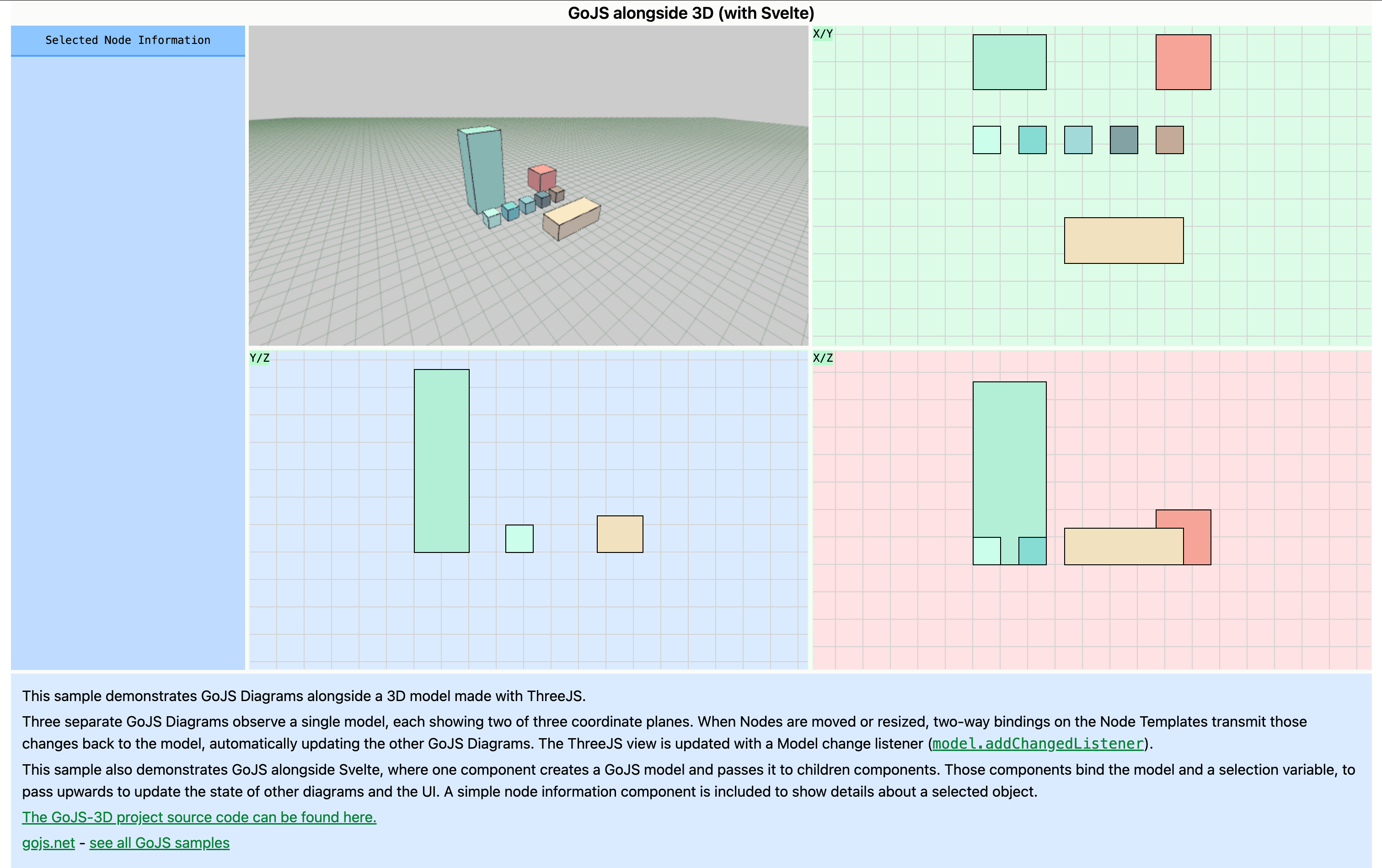
The GoJS with 3D sample uses three GoJS Diagrams that all observe a single model alongside a 3D representation of the model using ThreeJS. One Svelte component creates the model and then passes it to two children components, which all bind the model to pass its state up to update the 3D viewer. Its source code can be found here.