GoJS typings for TypeScript and JavaScript
This page assumes you will be using NPM to get the TypeScript typings for use in either JavaScript or TypeScript.
This page also assumes you have a npm project already -- if you do not, you may need to run npm init.
In a TypeScript environment, GoJS typings will appear automatically if you have the gojs npm package installed.
These typings will offer auto-completion, inline documentation, and value error checking.
For example when defining a shape, it will auto-complete strokeWidth and display documentation:
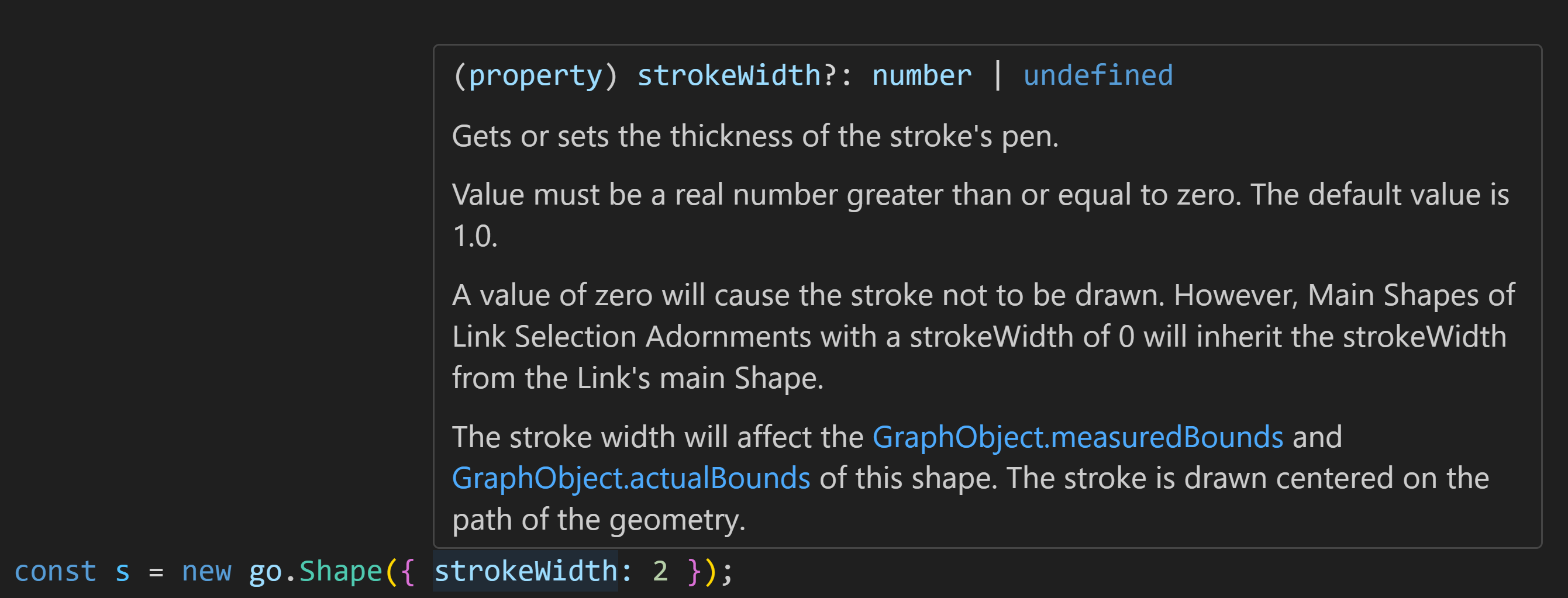
And since strokeWidth does not exist on Node, it will point out an error:

Typings in JavaScript files
If you have a compatible editor, such as VS Code, you can use TypeScript typings in plain JavaScript,
provided you have TypeScript installed.
The easiest way to use typings is to install the GoJS npm package,
even if you are referencing the go.js library from somewhere else, such as from your own server.
And of course you must also install TypeScript in your project, or globally.
And you must create a TypeScript configuration file:
tsconfig.json file, you will have to enable the allowJs and checkJs options:
Typescript will then note that "go" is not defined. The best course of action depends on whether the JavaScript file is a module.
Plain JavaScript files
To make sure the symbol is accessible, you must add this triple-slash directive to the top of your .js files:
This allows type checking in JS files without defining "go".
TypeScript will identify this as a valid export of the "go" global object.
JavaScript modules
If you are using JavaScript modules, a triple-slash directive is not necessary --
you can access the go object through import and TypeScript typings will work:
Typings without npm
Every release of GoJS contains the go.d.ts file, in the release/ folder.
You can view and copy these files and others from GitHub.